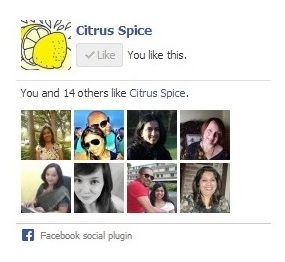
I am sure that most bloggers who have a blog also have a Facebook page where they share their blog posts on Facebook. Wouldn’t it be great if you are able to have a simple and easy way for your blog readers to LIKE your Facebook page without leaving your site?
Here is a very simple way to add your Facebook page to your blogger blog.
Part 1
1.Make sure you have a Facebook page, if you don’t you need to create one before you start.
2 .Get your Facebook page URL by visiting your Facebook page and copy the URL
3. Go to your Facebook developers page.

4. Paste your Facebook URL in the box that says Facebook page URL
5. Next customise your width and height.
6. Check boxes for show header, show stream, show border, show faces.(Customise this to suit your taste by selecting or de selecting the boxes.As you select you will see your widget change, once you are happy with the size and customization. Click on get code.
7. Once you click on get code a dialogue box will pop up with 4 options on top:

8. Select I frame and copy the code.

Part 2
9. Log into your Blogger blog and go to layout.
10. Select add a gadget
11. Select html / javascript and click on the + sign
12. Paste the code you have copied from Step 8 into the gadget and click on save.
13.Reposition the gadget to the required position on your sidebar layout by dragging it up or down.
14. Save layout and view blog.
The widget should be showing in your side bar.
You can also watch a video of how to do this here.
You may like:
How to add Link Within to your blogger blog


Tracey
Glad you done a post like this. I have done mine now, but it took me ages to work out how x
Rebecca Smith
Great tutorial!
Futures; a Beauty & lifestyle blog
Erika
I wish I had read this two days ago! Was pulling my hair out trying to work out how to do this, then I managed to figure it out, but would have been much simpler to find your fabulous post!
Unknown
Thank you sooo much…. It was very helpful…
hurny2009
Ooh this is very helpful!! I will probably pass this on to my blogs design editor for her to use 🙂 x
Unknown
thanks for your help x
Nicol
great tutorial! easy to follow as it can be confusing for others when there are 4 options available
Forever Miss Vanity
Really good tutorial 🙂 very helpful.
xx
http://www.forevermissvanity.com
Unknown
these posts are always soo helpful thankyou doe helping us all out x
Copyright©2022 Nayna Kanabar/Citrusspice and Travels Powered by WordPress | Theme by TheBootstrapThemes
Cookie Consent